
Office computer hardware and setup for NYC businesses
Slow laptops, a printer that jams every morning, a server in the closet nobody wants to touch: old hardware costs you time every day. PointerTech IT Solutions helps small and midsize businesses in Brooklyn and across New York City choose the right business computers and equipment, set them up properly and keep them running. We handle the sourcing, configuration and installation, so your staff sit down to machines that are ready to work.
The hardware problems we see most in New York City offices
Outdated equipment rarely fails all at once. It slows down, crashes during updates, can’t run the newer version of the software you depend on, and eats a little more of everyone’s day until something finally breaks. New York adds its own twists: small offices where every square foot counts, staff who split the week between the office and home, and a mix of Macs and PCs bought at different times from different places. Choosing replacements means sorting out compatibility with what you already have, fitting it into the space you’ve got, and getting it running without losing a workday. We make those calls with you and handle the upgrade itself, so the new equipment just works.
Current equipment, backed by local support
We recommend current, proven equipment rather than whatever is cheapest or newest on the shelf, and we support it long after installation day. The same local team that sets up your computers is the team you call when something goes wrong, so every purchase keeps doing the job you bought it for.
What modern office hardware actually does for your team
A hardware refresh isn’t only about speed, though speed is a big part of it. Here’s what newer equipment brings:
- Faster machines: Current processors, more memory and solid-state drives mean shorter load times and less waiting on big files.
- Lower power use: Newer equipment draws less power, which trims the electric bill and runs cooler in a cramped office.
- Comfort: Ergonomic keyboards and mice, and monitors that are easier on the eyes, make a long day at a desk less tiring and more productive.
- Built-in security: Fingerprint readers and hardware encryption help keep business data safe if a laptop is lost or stolen.
Hardware that fits how your business works

A law office, a medical practice and a retail shop need very different equipment, and a Midtown floor has different constraints than a second-floor walk-up office in Brooklyn. We plan around your industry, your size and your space. At St George’s Academy, a Manhattan school, that meant commercial routers and switches, new access points and PC upgrades to fix Wi-Fi dead zones and dropouts.
Need new computers or a hardware refresh? Call PointerTech IT Solutions at 718-806-9374 and we’ll help you work out what to buy.

Introduction The recent CrowdStrike outage that took place in July 2024, affecting businesses globally, unders…
READ MORE
Client: An Australian Pharmaceutical Company (Name Withheld by Request) Challenge: The client recently expan…
READ MORE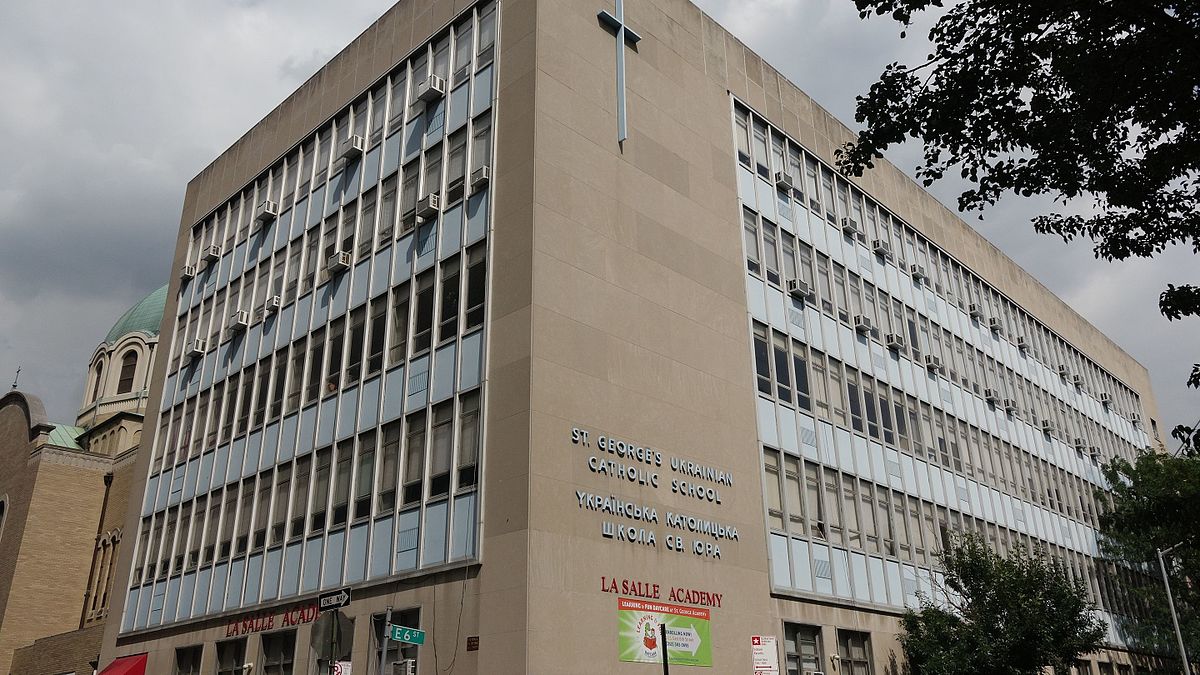
Solutions Provided by PointerTech IT Solutions: Results: The upgrades and new implementations by PointerTech …
READ MOREFAQs
At minimum: a desktop or laptop for each person with enough processing power for the software they use, monitors that suit the work, comfortable keyboards and mice, a reliable printer or multifunction device, and networking equipment such as a router, switches and Wi-Fi access points. We also recommend backup storage and an uninterruptible power supply (UPS), so a power flicker doesn’t take down your server or corrupt your files. The right mix depends on the work your team does.
Start with the work, not the spec sheet. What software does each person run, do they travel or work from home, and how many people are you likely to add? Choose machines with room to grow, such as memory and storage you can upgrade, and stick to a small number of standard models so support stays simple. If you’d rather not sort through it yourself, we’ll do the assessment and give you a clear recommendation.
Usually, yes. Business-grade machines are built to last longer, break down less often and come with better security features, like hardware encryption and fingerprint readers. Fewer breakdowns mean less downtime and fewer interrupted workdays. They also run current business software well and are easier to manage centrally with tools like Microsoft Intune. Over the life of the machine, that reliability tends to outweigh the higher price.
It depends on how hard the equipment works and what your software needs, but most businesses should review their computers every three to five years. Signs it’s time: machines that struggle with updates, slow startups, hardware that no longer gets security patches, or repairs that keep adding up. Regular check-ins let you replace equipment on a plan instead of in a panic, and spread the cost over time rather than taking it all at once.